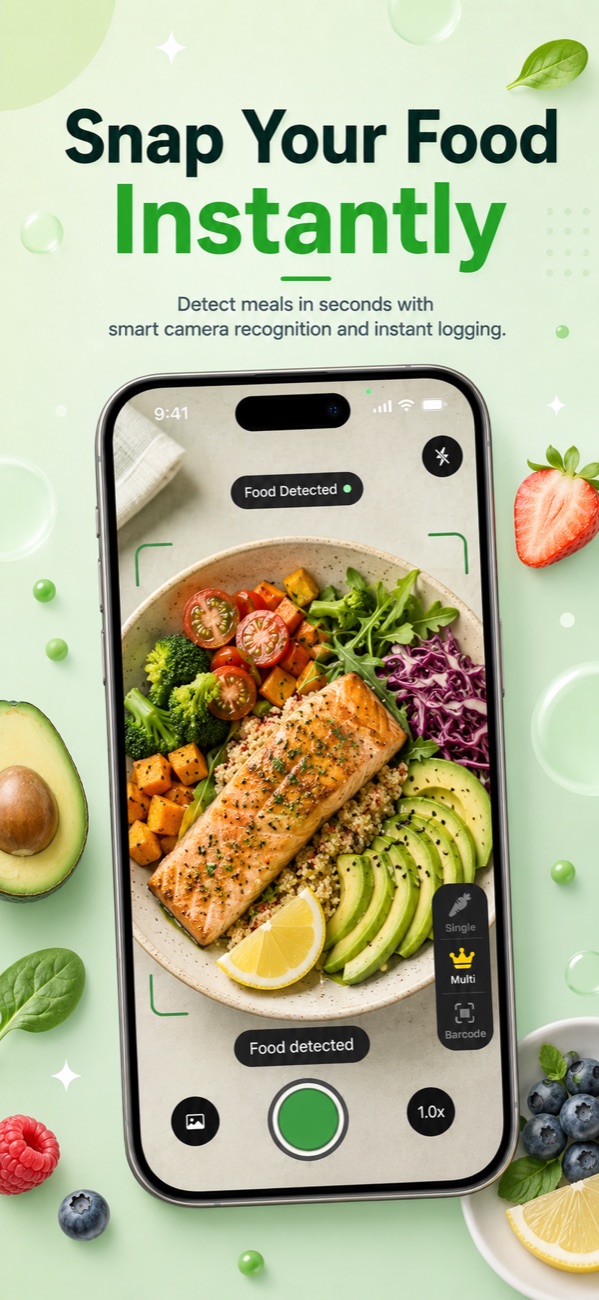
Point your camera at any plate and Foodify's AI logs calories, protein, carbs and fat in seconds — even when there are several foods on it. No database digging, no portion guessing, no tedious typing.

Free to download · 3-day free trial of Pro · No credit card required to start
No database digging. No weighing every gram. Three steps and your meal is logged.
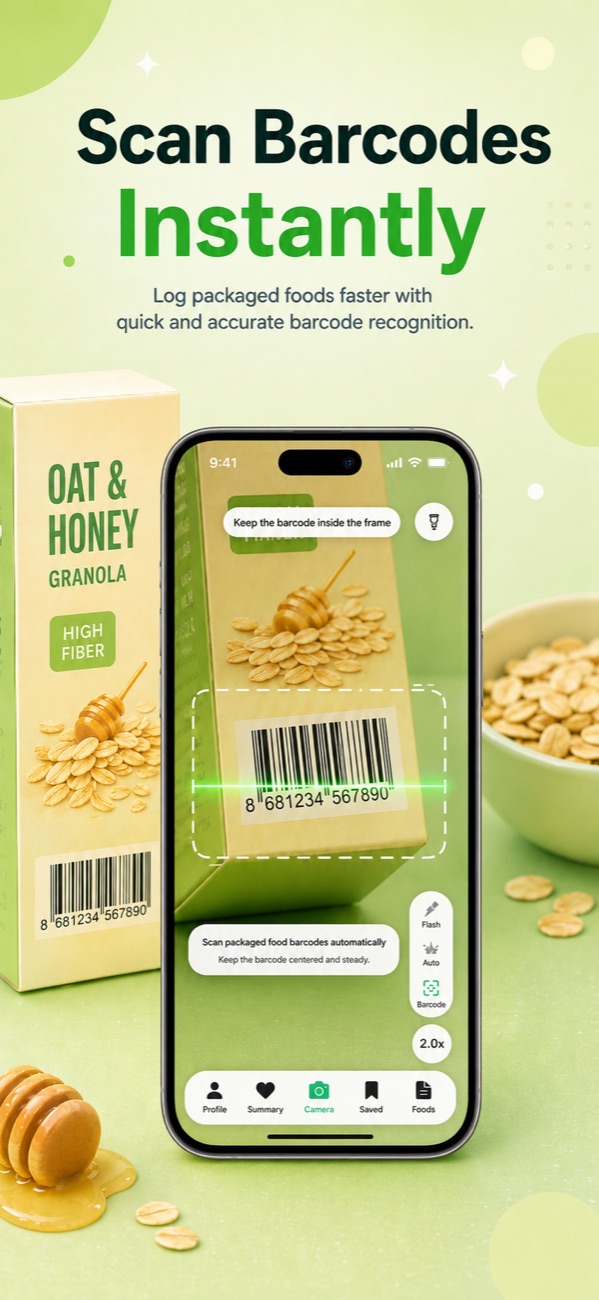
Point your camera at any plate — Foodify's AI recognizes every food on it, even mixed meals. Packaged food? Scan the barcode instead.
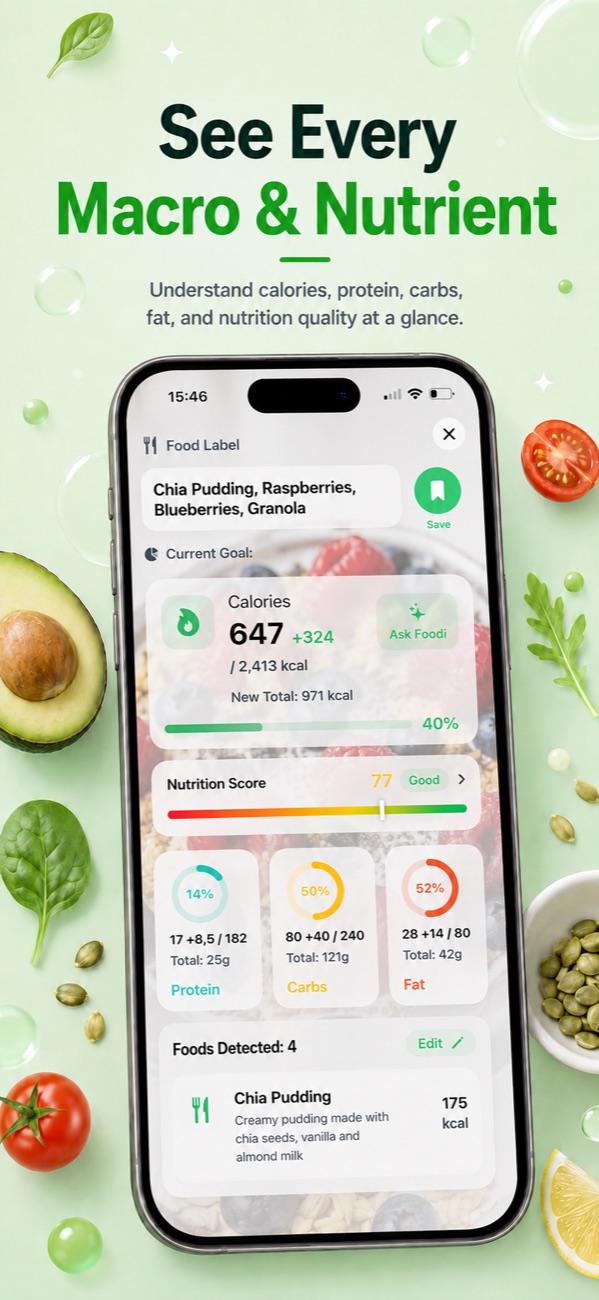
Foodify estimates portions and breaks down calories, protein, carbs and fat in seconds — plus a 0–100 Nutrition Score for every meal.
Track progress against personalized goals calculated from your body, activity and objective — lose weight, build muscle or maintain.
One app for food photos, barcodes, macros, meal plans, hydration and progress.


Foodify combines AI food recognition with the coaching and planning tools that make tracking stick.
Photograph any meal and get calories and full macros in seconds. Detects multiple foods on one plate — a whole meal logged in one shot.
Scan any packaged product for instant, accurate nutrition facts — no typing, no searching.
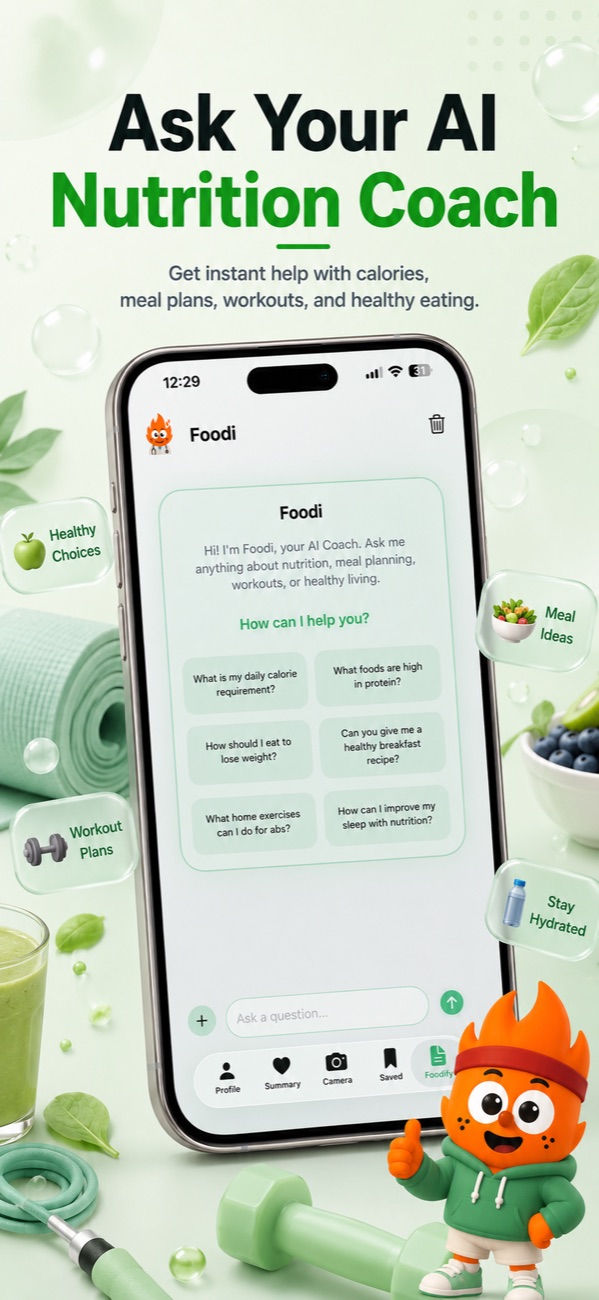
Ask anything in plain language: "What can I eat for dinner under 500 kcal?" Get instant, personalized answers.
Protein, carbs and fat tracked against daily targets personalized to your body, activity level and goal.
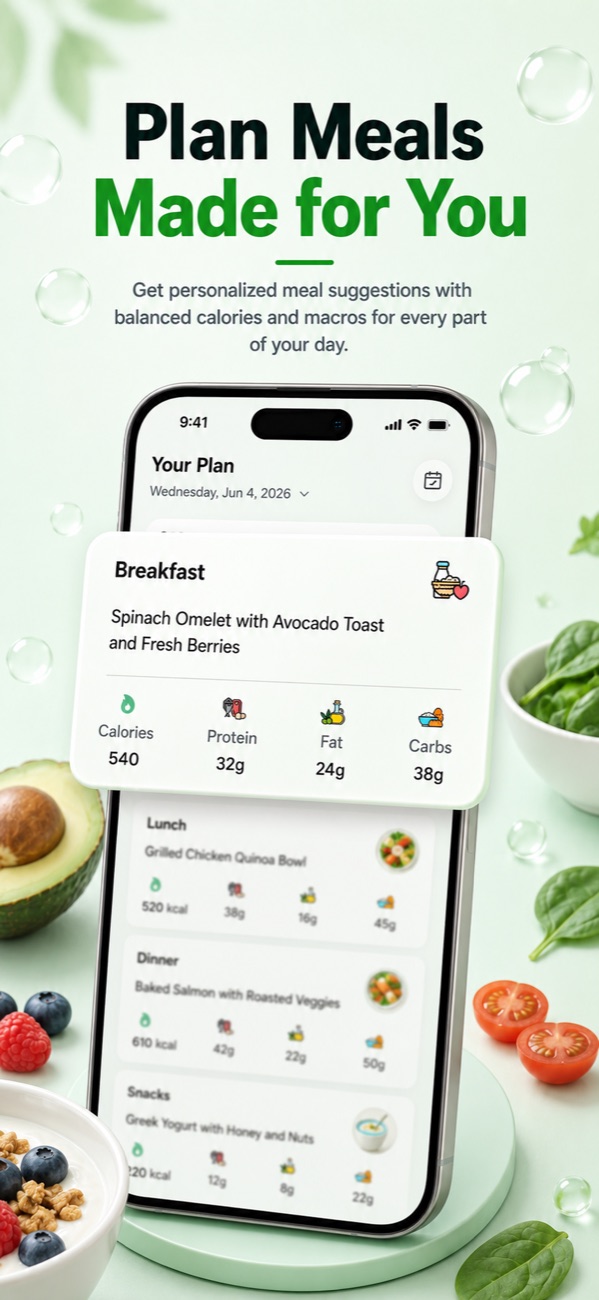
Daily plans built around your goal, dietary style, allergies and preferences. No more wondering what to cook.
Every meal rated 0–100 so you instantly know how healthy it is and where to improve.
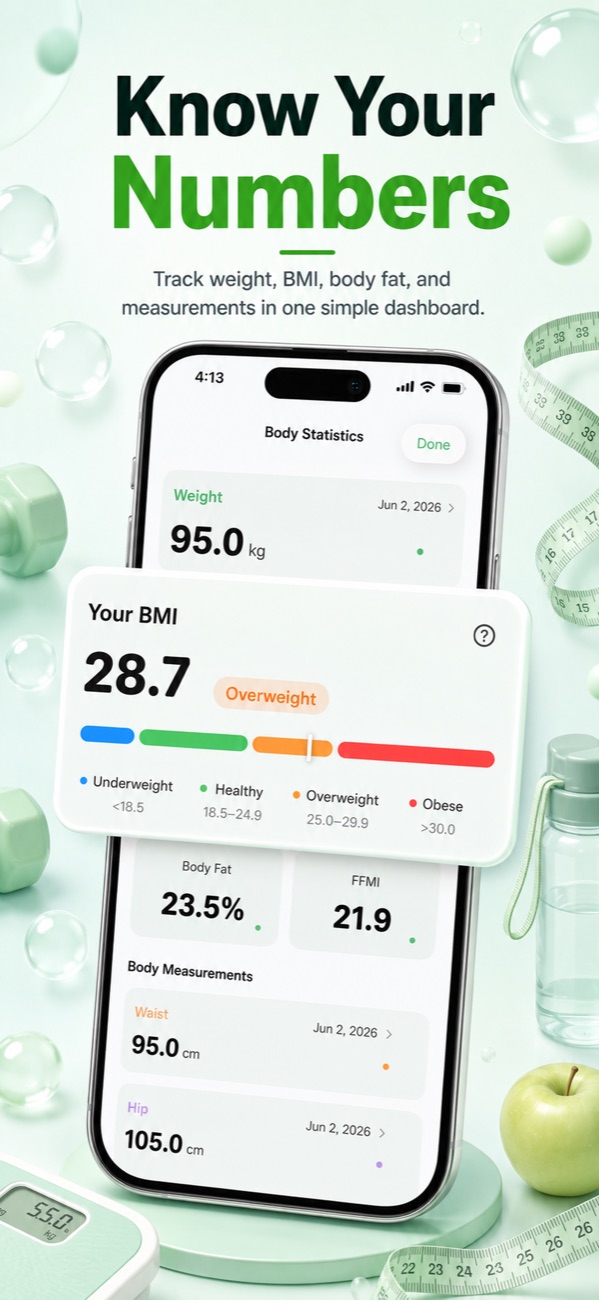
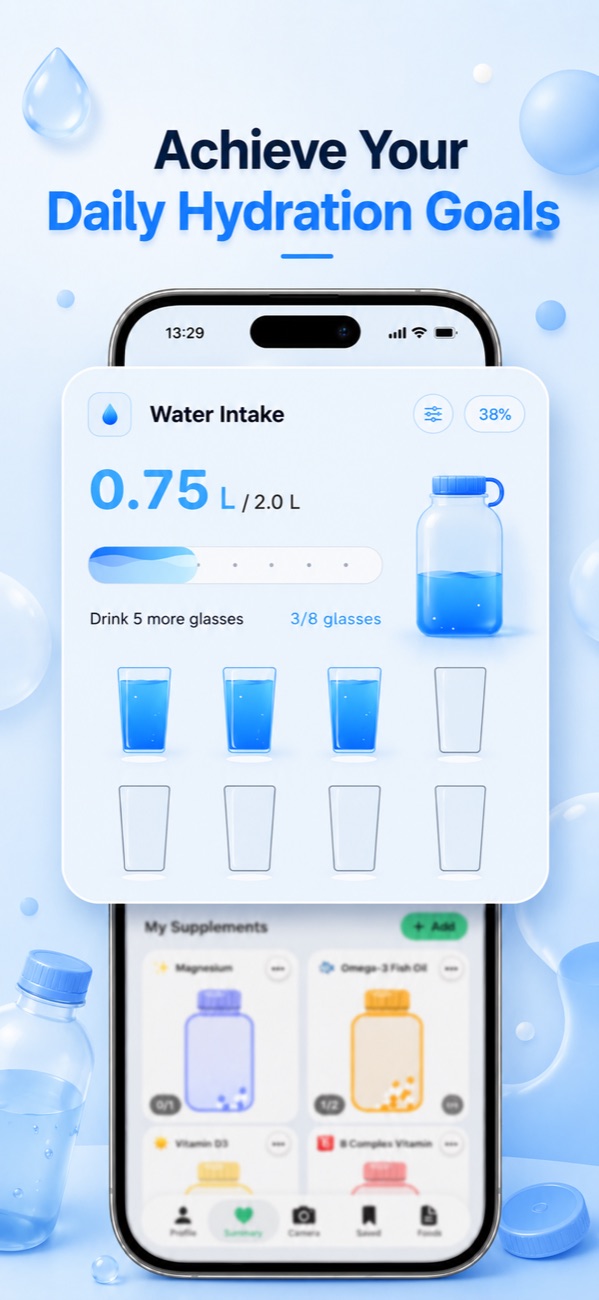
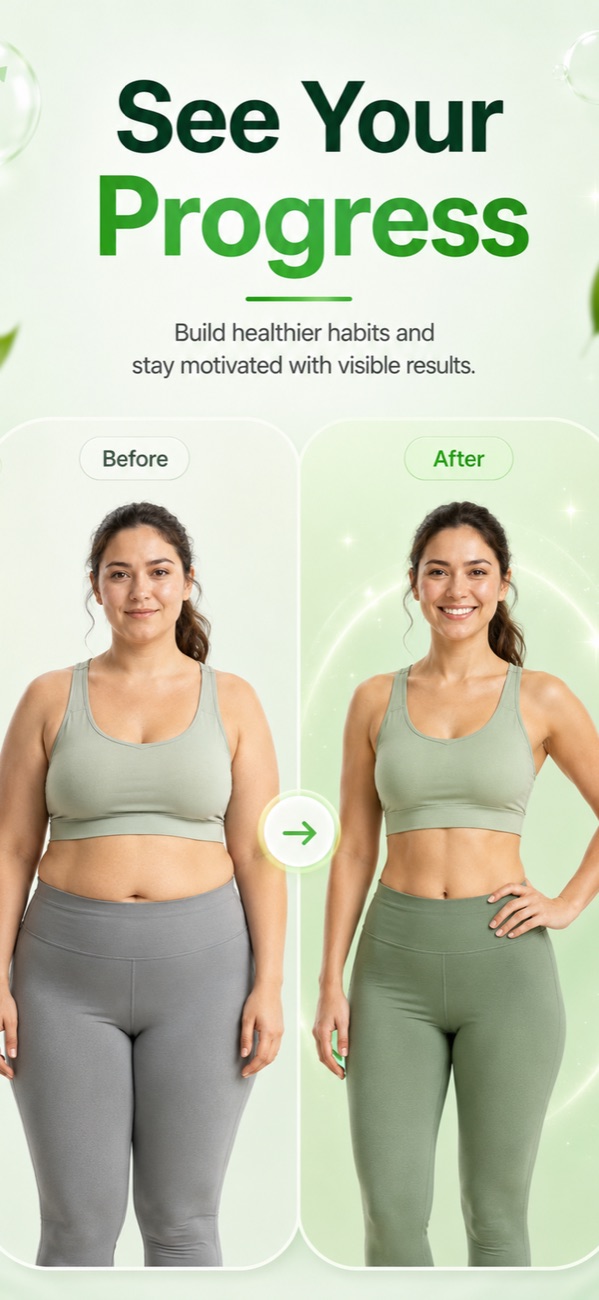
Log hydration, weight and body measurements, and watch your trends over time.
Daily and weekly AI summaries show what went well and what to adjust — streaks keep you motivated.
Foodify reads activity and energy from Apple Health for the full picture: calories in vs. calories out.
Practical, no-nonsense answers to the questions every calorie counter asks — and how Foodify makes them effortless.
Shopping for an AI calorie counter alternative? See what fair pricing, real free tiers, and editable AI scans should look like before you switch.
Read the guide → CompareWhat separates the best AI calorie counter apps of 2026 — portion accuracy, multi-food detection, editable results and honest pricing.
Read the guide → BarcodeSeveral calorie trackers paywalled barcode scanning. See which apps still scan barcodes free in 2026, plus photo logging for home-cooked meals.
Read the guide → Photo LoggingApps like Foodify count calories from a photo of your food: AI identifies each dish, estimates portions and logs macros in seconds. See how accurate it is.
Read the guide → AccuracyAI calorie counters hit roughly 85-95% on single foods and 65-80% on mixed meals. See the real research, where they fail, and how to improve your results.
Read the guide → How-ToYou don't need a food scale. Learn the hand-portion method, container method and AI photo scanning to count calories without weighing anything.
Read the guide → How-ToNo nutrition label at the restaurant? Learn to estimate restaurant meals, handle takeout and buffets, and log any plate by snapping a photo.
Read the guide → How-ToTwo ways to count calories in home-cooked meals: add up every ingredient, or snap a photo of the finished plate. Here's how to do both, step by step.
Read the guide → Apple HealthCompare calorie counter apps that sync with Apple Health: which read your activity, which write meals in, and how to fix common sync issues.
Read the guide → AI & ToolsChatGPT can estimate calories from a food photo, but it forgets, guesses portions and keeps no log. Here is what it does well and when a dedicated app wins.
Read the guide →Compare the yearly price, not just the weekly number — multiply any weekly price by 52 before deciding. Check whether the free tier includes any real AI photo scans, and make sure every detected food and portion can be edited before you save it, since photo estimates are a starting point rather than a lab measurement. Learn more →
It depends on what you value most: a free tier with real AI scans, accurate multi-food detection, or built-in coaching. Foodify covers all three — free daily AI photo scans with multi-food detection and editable results, plus a barcode scanner and the Foodi AI coach — with Pro plans starting around $4.17/month billed yearly. Learn more →
Yes — several calorie trackers still include free barcode scanning, and Foodify is one of them, pairing a free barcode scanner with free daily AI photo scans for home-cooked meals. Coverage varies by app, so it's worth checking directly in-app before you commit to a paid tier just for scanning. Learn more →
Yes — Foodify does exactly this. Take a photo of your plate and its AI identifies each food, estimates portion sizes and logs calories, protein, carbs and fat in seconds. It detects multiple foods on one plate and lets you adjust any portion before saving. Learn more →
Dedicated AI calorie apps are typically around 85-95% accurate on single, visible foods and 65-80% on complex mixed meals — hidden oils and sauces are the main blind spot. That's imprecise but far better than untracked eating, where people underestimate intake by 30-50%, and Foodify lets you correct any portion in one tap. Learn more →
Yes. Hand-portion estimates and standard containers get you close enough for most goals, and AI photo scanning removes the effort entirely — Foodify estimates portion sizes from a photo of your plate and logs calories and macros automatically. Consistency matters far more than gram-level precision. Learn more →
For chains, look up official nutrition data; for everything else, photo scanning is the practical answer. Snap your plate in Foodify and the AI identifies each dish and estimates portions — no label, no scale, no guessing from a generic database entry. Restaurant portions run larger than home cooking, so review the portion estimate before saving. Learn more →
Either add up every ingredient and divide by servings, or take a photo of your finished plate and let AI estimate it. Foodify's photo scan is built for exactly this case — home-cooked food has no label, and the app identifies the foods, estimates portions and logs macros in seconds, with one-tap editing when a stew hides its ingredients. Learn more →
Yes — Foodify is free to download with daily limits on AI features, and it reads your activity and energy burn from Apple Health so your calories-in stays compared against your real calories-out. Just check any app's listing carefully, since some free tiers cover search and sync but move features like barcode scanning behind a paid plan. Learn more →
It can guess, but peer-reviewed testing found ChatGPT averages about 27% calorie error and up to 40% error on portion weights from meal photos — and it doesn't log, total or track anything. A dedicated scanner like Foodify grounds photo recognition in portion estimation and a nutrition database, then actually tracks your day. Learn more →
Foodify is free to download and includes a free tier so you can try AI photo scanning and core tracking before deciding. Foodify Pro unlocks extended AI scanning, the Foodi coach and personalized meal plans at $49.99/year (about $4/month), $12.99/month or $5.99/week — with a 3-day free trial on the yearly plan.
You take a photo of your meal; Foodify's AI detects each food on the plate (including multiple dishes at once), estimates portion sizes, and matches them to nutrition data to log calories, protein, carbs and fat. You can edit any food or portion before saving, and a barcode scanner covers packaged products.
Food photos are processed to analyze your meal, and your data belongs to you — you can delete your account and its data from within the app at any time. Foodify also syncs with Apple Health only with your explicit permission. Full details are in our privacy policy.
Subscriptions are handled entirely by Apple: open Settings on your iPhone, tap your name, then Subscriptions, select Foodify and tap Cancel. If you cancel during the 3-day free trial you won't be charged. There are no cancellation fees or retention hoops.